 Skip to content
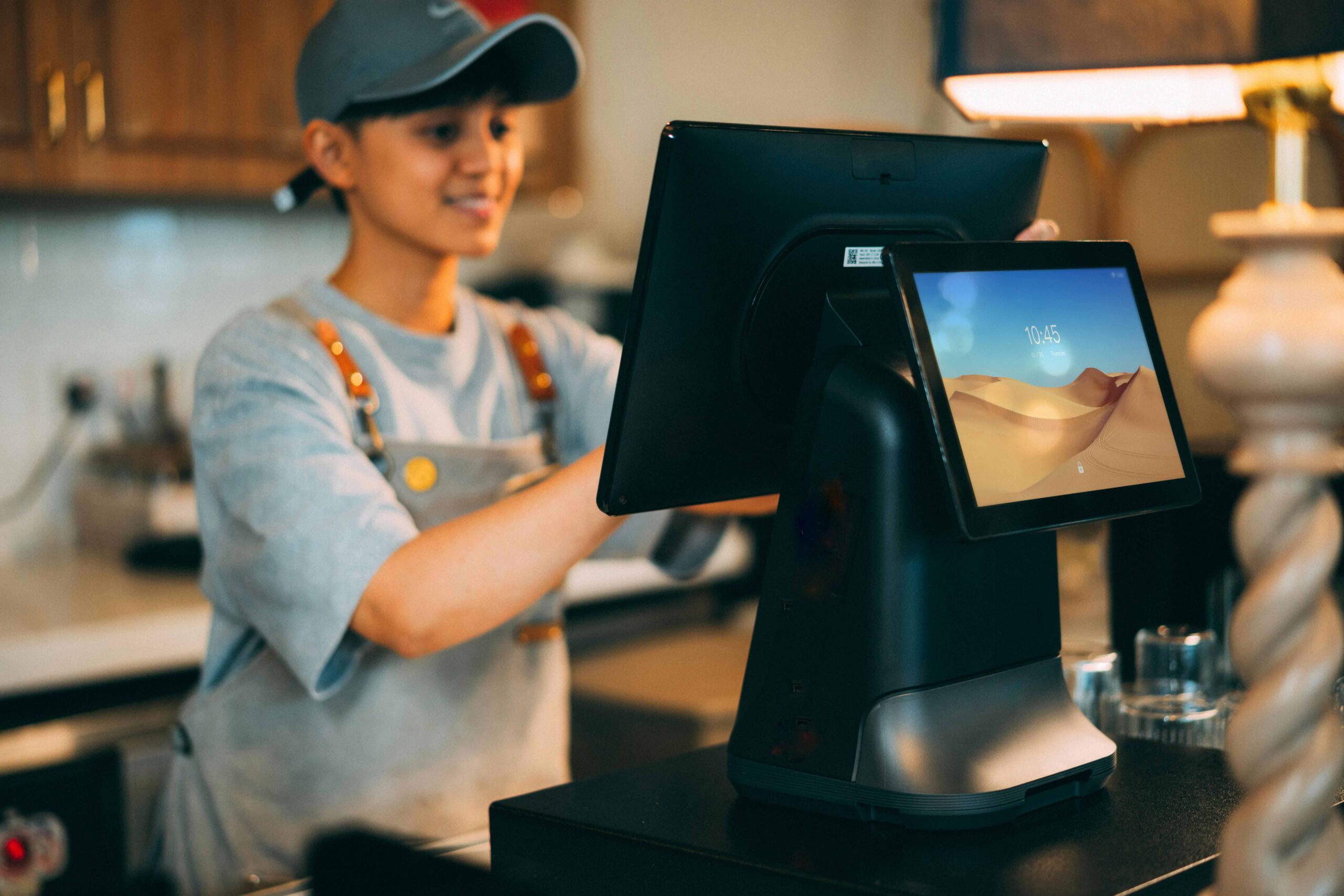
Choosing a POS system today is no longer just about processing payments at a counter. For most modern businesses, a POS system acts as the operational backbone—connecting sales, inventory, payments, integrations, and reporting into one central platform.
For businesses in the UK and Sri Lanka, selecting the right POS System Provider is a strategic decision. The right provider supports efficiency and scalability. The wrong one introduces operational friction, hidden costs, and long-term limitations.
“Good POS systems support your business quietly. Poor ones make themselves known every day.”
This guide explains how to choose a POS system wisely, with a practical, real-world approach.
1. Assess Your Business Needs First
Before comparing POS providers, clearly define how your business operates. A POS system should adapt to your workflow—not force rigid processes.
Start with your industry:
- Retail businesses rely heavily on real-time inventory, barcode scanning, and product-level reporting
- Restaurants and cafés prioritise fast billing, order flow, kitchen coordination, and online order integration
- Service-based businesses focus on invoicing, customer records, and payment tracking
- Mobile businesses such as food trucks or pop-ups need portability and offline POS functionality
Next, consider how and where you sell:
- In-store only
- Online only
- Hybrid (in-store + online)
- Multi-location operations
For multi-channel or multi-branch businesses, Omni channel POS capability becomes essential.
Key POS features to evaluate early:
- Inventory management
- Customer records (CRM)
- Loyalty programmes and promotions
- Sales reporting and analytics
- Online order and third-party integrations
“Clarity at this stage saves frustration later.”
2. Evaluate Daily POS Functionality (What Actually Matters)
Once your needs are clear, assess how the POS system performs in daily operations.
Payment Processing
A reliable POS system should support:
- Chip & PIN
- Contactless payments
- Mobile and card integrations
- Transparent transaction fees
Hidden fees can significantly affect margins, especially for high-volume businesses in hospitality and retail.
Inventory Management
Real-time stock visibility, automated stock alerts, and purchase tracking help avoid overselling and excess stock holding.
Reporting & Analytics
A strong POS system helps answer key business questions:
- Which products sell best?
- What are peak sales periods?
- Which locations or outlets perform better?
Mobility & Ease of Use
Tablet-based and mobile POS systems are now standard. Just as important is usability.
“If staff need constant help using the system, the system isn’t doing its job.”
Important note:
Blue Lotus X POS focuses on sales, inventory, integrations, and reporting. Employee management and shift scheduling are handled through integrated ERP or external systems, such as Blue Lotus 360, rather than directly within the POS interface.
3. Review Integrations, Technical Strength, and Support
Modern POS systems are no longer standalone tools. Their value increases through strong integrations.
Key Integrations Supported by Blue Lotus X
Blue Lotus X POS is built to work seamlessly with a wide range of business systems, helping companies streamline operations and reduce manual work. It integrates with local banks such as HNB and BOC, popular online food delivery platforms including PickMe Food, Uber Eats, Deliveroo, and Just Eat, and multiple payment gateways like DirectPay, PayHere, WebXPay, and Stripe.
The system also supports e-commerce platforms such as Shopify, WooCommerce, and PrestaShop, along with accounting and ERP solutions including QuickBooks, Xero, and Blue Lotus 360 ERP for advanced accounting, finance, and enterprise management. Additional integrations cover SMS gateways, loyalty programmes, card terminals, weighing scales, Call ID, and CCTV systems, ensuring Blue Lotus X can adapt to real-world business environments in both the UK and Sri Lanka.
Strong integrations reduce manual work, improve data accuracy, and allow businesses to scale without operational bottlenecks.
Security & Scalability
A reputable POS System Provider ensures:
- PCI-compliant payment processing
- Encrypted transactions
- Secure data handling
The system should scale easily to support:
- Additional outlets
- Increased transaction volumes
- More users and roles
Customer Support
Reliable support via email, phone, or chat—especially beyond standard office hours—is critical.
“Support quality matters most when something goes wrong.”
4. Analyse Costs and Contracts Carefully
POS pricing is rarely limited to a single monthly fee.
Costs may include:
- Hardware (printers, scanners, card machines)
- Software subscriptions
- Transaction fees
- Setup and staff training
Understand pricing models:
- Flat-rate pricing for simplicity
- Interchange-plus pricing for higher transaction volumes
Avoid long-term lock-in contracts where possible. Hardware ownership and flexible plans protect your business long term.
“Flexibility today protects your options tomorrow.”
5. Test, Compare, and Shortlist POS Providers
Never choose a POS system without testing it.
- Request demos and free trials
- Test real-world scenarios
- Review customer case studies
Shortlist providers that meet your operational needs and growth plans.
Frequently Asked Questions (FAQs)
What are POS providers?
POS providers supply the software, hardware, integrations, and ongoing support that enable businesses to process payments, manage inventory, track customers, and analyse sales from one central system.
How do I choose a POS system?
Choose a POS system by assessing your industry needs, required integrations, daily usability, scalability, support quality, and total cost of ownership.
What are the 4 types of POS systems?
- Traditional on-premise POS
- Cloud-based POS
- Mobile POS (mPOS)
- Self-service or kiosk POS
What is the most common problem with POS systems?
Common issues include poor integrations, hidden fees, lack of scalability, and inadequate customer support.
Can I use a phone as a POS system?
Yes. Many modern cloud POS systems, including Blue Lotus X, support mobile and tablet-based POS setups.
Final Thoughts
Choosing the right POS system is not about the lowest price or the longest feature list. It’s about selecting a solution that aligns with how your business operates today and supports future growth.
“A POS system should never hold a business back. It should quietly help it move forward.”
Blue Lotus X delivers a powerful Cloud POS solution for retail and hospitality businesses across the UK and Sri Lanka. Designed for real-world operations, it supports in-store sales, multi-location management, and deep third-party integrations.
For businesses requiring advanced accounting, finance, HR, or enterprise-level management, Blue Lotus X integrates seamlessly with Blue Lotus 360 ERP, ensuring consistent data flow across POS and back-office operations.
By combining clear planning, careful comparison, hands-on testing, and working with a trusted POS System Provider like Blue Lotus X, businesses can build a scalable, efficient, and future-ready operational foundation.
