 Skip to content
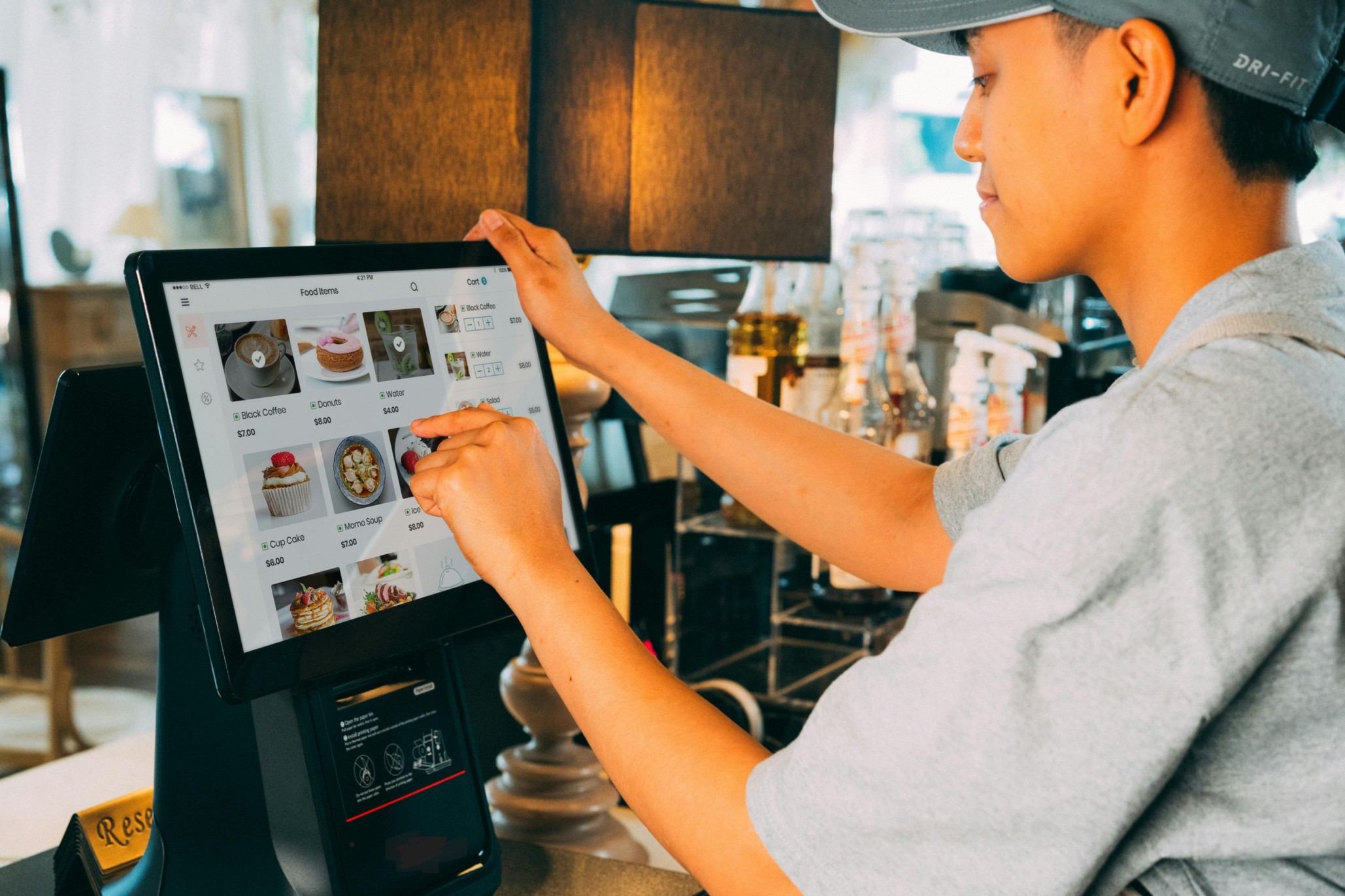
A Restaurant POS System (Point of Sale system) is the technology that runs the heartbeat of your venue. Not just taking payments, but handling orders, menu logic, kitchen tickets, staff permissions, reporting, and the data that tells you what’s really happening during the rush.
In other words, it’s the difference between “We think Friday was busy” and “Friday 6–8pm drove 42% of sales, burgers spiked, and the kitchen bottleneck was the grill station.”
The stakes are higher now because guests expect speed and convenience. In the National Restaurant Association’s 2024 Restaurant Technology Trends research, 79% of consumers said they prefer contactless or mobile payments, and 73% preferred using digital wallets.
At Blue Lotus X, we build cloud-based, scalable POS and payments solutions designed for modern hospitality, so venues can move faster, reduce mistakes, and make decisions with confidence.
What is a Restaurant POS System, really?
A Restaurant POS System is the central hub that connects:
- Front of House: counter POS, tablets, handheld devices, table management
- Payments: card, contactless, digital wallets, tips, refunds, reconciliation
- Kitchen: printers or KDS screens, routing to stations, timing
- Back Office: sales reports, staff controls, inventory visibility, integrations
Many guides describe the POS as the “central hub” for orders, payments, reporting, and service operations.
And when it’s cloud-based, you gain things operators care about in the real world: remote access, real-time updates, easier rollouts, and simpler scaling.
Key features modern venues should look for
1) Fast order taking that matches your service style
Whether you’re quick service, full service, café, or a hybrid, the POS should make ordering smooth:
- modifiers that are easy (no “scroll forever” screens)
- allergy notes and special instructions
- split bills, part-payments, and tips without drama
- quick repeat orders for busy items
A “modern” POS isn’t about fancy screens. It’s about fewer taps, fewer errors, faster tables.
2) Menu management that stays consistent everywhere
Modern venues sell through multiple channels: dine-in, takeaway, online orders, delivery, events. Your POS should act as a single source of truth for:
- item availability (86’ing)
- pricing changes and time-based menus (breakfast/lunch)
- required modifier rules (choose one, max two, etc.)
- bundles and promos that don’t confuse staff
If your menu lives in five places, mistakes are guaranteed.
3) Kitchen routing and KDS for fewer mistakes
If you’re still relying purely on paper tickets, you already know how it goes during a rush: missing modifiers, lost tickets, shouting across the pass.
A Kitchen Display System (KDS) and smart routing can:
- send tickets to the right station (bar vs grill vs dessert)
- show modifiers clearly
- track order status (“in progress”, “ready”)
- improve FOH–BOH communication
KDS is widely recognised as a key differentiator in restaurant POS setups because it routes orders digitally and improves coordination.
4) Integrated payments built for speed and control
Payments should be seamless and secure, including:
- contactless and digital wallets (increasingly expected)
- tipping prompts and service charge handling
- refunds/voids with permissions (so it’s controlled)
- automatic end-of-day reconciliation
“When asked about payment methods, 79% prefer contactless or mobile payments…”
That single stat is why “payments” can’t be an afterthought anymore.
5) Real reporting that helps you take action
A Restaurant POS System should answer the questions that actually matter:
- What are the top-selling items by time of day?
- Which modifiers drive margin (or kill it)?
- Where are refunds/voids happening most?
- What’s the busiest hour, and are you staffed for it?
- How are locations performing side-by-side?
Good reporting turns gut feel into real control.
6) Staff roles, permissions, and audit trails
Restaurants move fast, so your POS must keep control without slowing people down:
- role-based access (cash, discounts, refunds, comps)
- unique staff logins (not shared codes)
- audit logs that show who did what and when
- shift tracking and basic performance visibility
This is also part of good payment security practice, because payment environments need strong access control. PCI DSS defines security requirements for environments where payment data is stored, processed, or transmitted.
7) Reliability and “what if the internet drops?”
Manchester or Colombo, it doesn’t matter: when systems go down during service, you lose money instantly.
Look for:
- safe offline continuity options (depending on setup)
- automatic syncing when back online
- backups and cloud resilience
- stable hardware options and support
A POS is only “modern” if it still performs under pressure.
8) Integrations that reduce manual work
Modern venues often use a stack: accounting, delivery platforms, loyalty, reservations, payroll.
The POS should integrate cleanly so you’re not:
- re-entering orders
- updating menus in multiple places
- exporting spreadsheets daily
Integration is where time is either saved… or silently wasted.
A simple way to choose the right Restaurant POS System
Picture your busiest moment (Friday 7pm). Then ask:
- Can staff take complex orders quickly without mistakes?
- Does the kitchen see tickets clearly and in the right order?
- Can guests pay fast the way they prefer (contactless/wallet)?
- Can managers see live performance without waiting for tomorrow?
- If something goes wrong, is there a clear fallback?
If the POS handles your busiest hour cleanly, the rest of the week becomes easier.
Where Blue Lotus X Cloud POS fits in
Blue Lotus X Cloud POS was founded to modernise payments and POS with seamless, scalable, cloud-based solutions that help venues run smoother and grow confidently. Whether you operate one restaurant or multiple locations, the right POS foundation improves speed, accuracy, guest experience, and decision-making.
