 Skip to content
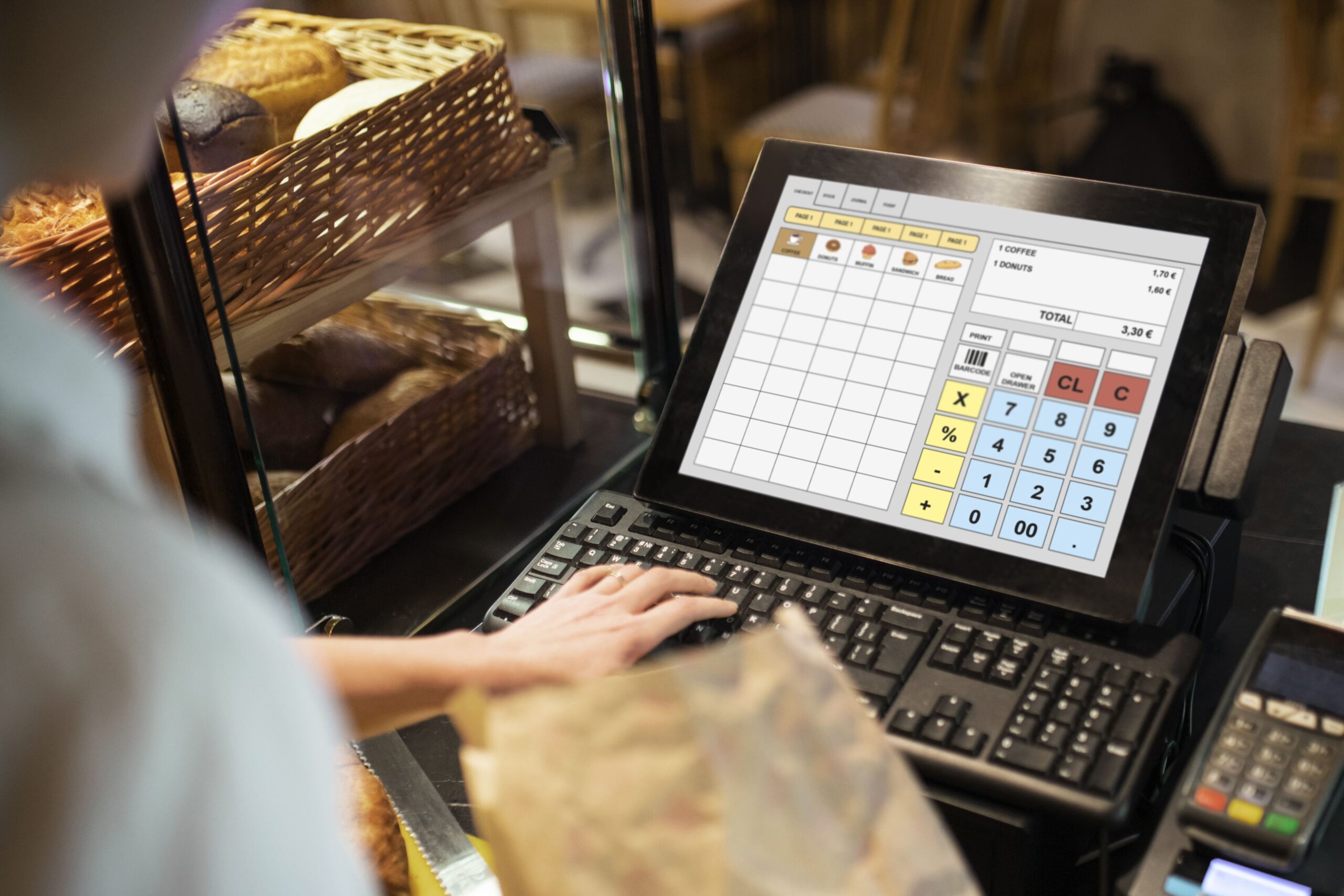
Most businesses choose a POS the same way they choose a new phone contract: they compare monthly prices, skim the feature list, and hope the rest “just works”.
Then the real costs show up later. Extra hardware. Extra setup days. Training that takes longer than expected. A queue at the till because one workflow is clunky. Or the big one: downtime during peak trading.
A recent UK-focused study estimated payment system failures cost UK retail and hospitality £1.6 billion annually, with businesses averaging 5+ major outages a year, and 61% happening during peak trading times.
So instead of repeating the usual cloud vs on-premise pros and cons, let’s look at this decision through the lens that matters to operators: cost, rollout, and real-world operating impact.
The two cost models (what you actually pay for)
Cloud-based POS: subscription + “operating cost”
Cloud POS usually looks like:
- monthly or annual software subscription
- payment processing fees (separate or bundled)
- hardware (terminals, printers, scanners, tablets)
- onboarding + integrations + support plan
It tends to feel like an operating cost because upgrades and changes are typically delivered as part of the service.
On-premise POS: upfront + “ownership cost”
On-premise typically looks like:
- larger upfront software/licence purchase
- local server and networking setup
- hardware (often more fixed and site-dependent)
- IT maintenance, patching, backups, and support contracts
It tends to feel like ownership: you control more, but you also carry more responsibility.
The hidden costs people underestimate
1) Rollout cost (time is money)
A POS switch isn’t “install and go”. It’s a mini transformation project.
Cloud rollouts usually reduce the effort of distributing updates and managing multi-site configuration, which can shorten deployment cycles when you’re scaling. Market research also points to UK POS growth driven by mobile and more flexible deployment approaches.
On-premise rollouts can be perfectly successful, but they often require tighter coordination around local infrastructure and IT scheduling.
2) Training cost (the queue is your enemy)
Every extra tap on checkout or returns adds seconds. Seconds become queues. Queues become lost sales and stressed staff.
When evaluating, don’t ask “is it feature-rich?”. Ask:
- Can a new team member learn the top 10 transactions quickly?
- Are refunds and exchanges straightforward?
- Can managers approve exceptions without stopping the line?
3) Integration cost (spreadsheets are a symptom)
If your POS doesn’t integrate smoothly with accounting, ecommerce, stock control, loyalty, or delivery tools, someone will bridge the gap manually.
That manual work has a cost:
- admin time every day
- errors and stock mismatches
- slower decision-making
Cloud systems often make integrations easier because many third-party tools are built for cloud APIs. On-premise can integrate too, but it may require more bespoke work depending on your setup.
4) Downtime cost (it’s not just lost sales)
Downtime hits you in layers:
- immediate lost transactions
- staff time wasted
- customer trust damage
- recovery work (reconciliation, re-keying, incident handling)
That’s why outage impact is a decision factor, not an afterthought. The UK outage research above is blunt: failures hit hardest during peak hours.
“UK businesses average over 5 major outages annually, with 61% occurring during critical peak trading times.”
Rollout reality: how each option behaves when you scale
If you have 1 location
- Cloud POS usually wins on speed to deploy and easier ongoing updates.
- On-premise can make sense if you have strong local IT support and very specific custom workflows.
If you have 2 to 20 locations (or plan to)
Central control becomes the difference-maker:
- pricing and product changes pushed consistently
- unified reporting
- standardised staff permissions
- faster onboarding for new sites
In this range, many businesses prefer cloud because rollout and change management become simpler as you grow.
If you are enterprise-scale or highly regulated
It becomes less about “cloud vs on-prem” and more about architecture choices:
- centralised governance
- auditability
- resilience design
- security responsibilities and vendor SLAs
(Plenty of enterprises use cloud. Plenty keep some components local. Hybrid patterns are common.)
A practical way to decide (without repeating generic checklists)
Choose cloud if your biggest cost risk is: “change”
Cloud is usually the better fit when your business changes often:
- seasonal menus/pricing
- frequent promotions
- new staff and high turnover
- new locations or pop-ups
- ecommerce or omnichannel growth
Cloud helps reduce the operational cost of change.
Choose on-premise if your biggest cost risk is: “dependence”
On-premise can be attractive when you want maximum local control:
- strict internal IT governance
- specialised local workflows
- environments where local independence is a non-negotiable requirement
On-premise helps reduce the perceived risk of external dependency, but shifts cost toward internal responsibility.
What to ask vendors (cost and rollout edition)
Instead of “do you have feature X?”, ask questions that expose the real cost:
01) Implementation
How long does rollout take for 1 site vs 10 sites?
What is included in onboarding and what is billable?
02) Training
What training is included?
Do you provide role-based training paths (cashier vs manager)?
03) Support
Support hours, response times, escalation process
What happens during a payment or service incident?
04) Integrations
Which integrations are native vs custom work?
What happens if an integration fails?
05) Resilience
What is your documented downtime approach?
How do you reconcile transactions after an outage?
Final thoughts: Where Blue Lotus X fits in
Blue Lotus X was founded to modernise payments and POS with seamless, scalable, cloud-based solutions that help businesses roll out faster, standardise operations, and stay agile as they grow.
If you’re deciding between cloud-based POS and on-premise, a useful way to think about it is this: your POS choice isn’t just a tech decision. It’s a decision about ongoing operational cost—especially the cost of change, support, and downtime. And the UK outage data makes the point clearly: disruptions often land right when you can least afford them.
If you share your business type (retail, hospitality, multi-site), number of locations, and the biggest constraint (training time, integration complexity, or resilience), I’ll tailor a rollout plan with the cost areas to watch—without reusing the same structure from your other POS posts.
