 Skip to content
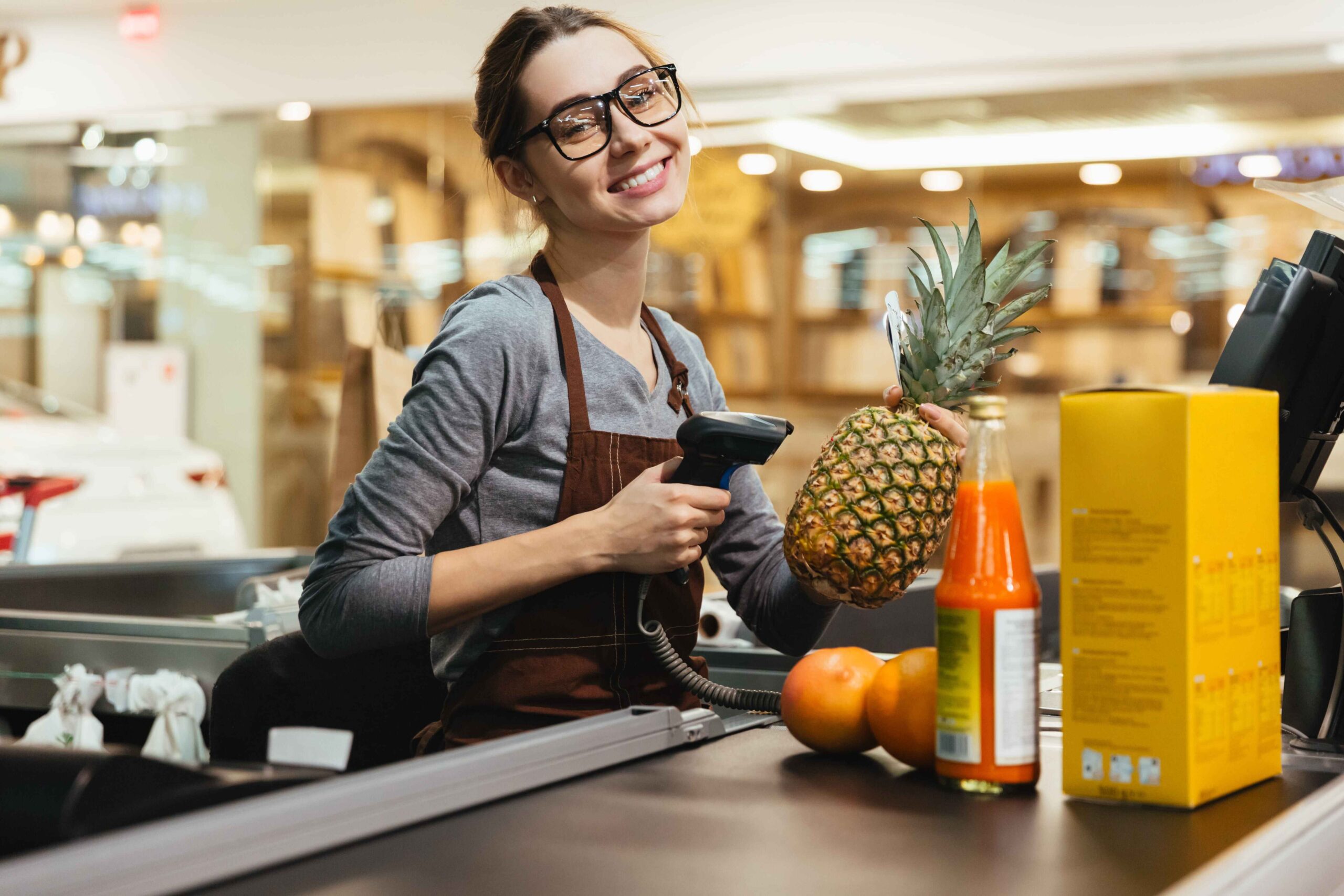
This grocery POS implementation checklist covers grocery POS setup, scale integration, barcode labels, promotions, and stock control for supermarkets and grocery stores.
A grocery POS rollout is never just about putting a till on the counter and going live.
Grocery stores have more moving parts than many other retail formats. Standard barcoded products, weighed items, labels, promotions, loyalty activity, and fast-moving checkout flows all have to work together. At Blue Lotus X, our grocery retail solution is built around those realities, with support for barcode scanning, loyalty programmes, promotions, bulk sales, and self-service kiosks for grocery environments. Our integration layer also includes weighing scale integration, which is essential for stores handling weight-based sales.
Start with your product setup
Before you think about scales or labels, make sure your product structure is clean.
Every grocery rollout depends on product accuracy underneath the checkout layer. Categories, pricing logic, barcodes, promo eligibility, and stock visibility all depend on that foundation. In our broader POS guidance, we describe the POS as the operational backbone connecting sales, inventory, integrations, and reporting. Grocery stores feel the impact of that even more strongly because the checkout environment is so detailed.
If the product setup is inconsistent at the start, problems usually appear later in labels, promotions, and reporting.
Separate barcoded flow from weighed-item flow
One of the most important grocery implementation steps is deciding how products will move through checkout.
Some items should scan like standard retail products. Others need weighing scale integration or variable handling based on how the store sells them. Our integration page includes weighing scale integration as part of the Blue Lotus X platform, which makes that workflow part of the connected POS environment rather than a disconnected side process.
That distinction matters because a grocery checkout has to stay fast while still handling products that behave differently.
Configure scales as part of the live workflow
Scales should not sit outside the POS process.
If a store is selling products by weight, teams need a simple and consistent workflow for weighing, pricing, and completing the transaction. Because our platform supports weighing scale integration, grocery operators can plan scale-based selling as part of the wider checkout and stock environment instead of treating it as a manual workaround.
The right question is not only “do the scales connect?” It is “do weighed items behave properly in the live sales process?”
Labels need to match checkout reality
Labels are one of the easiest details to underestimate during a grocery rollout.
If shelf labels, product labels, or markdown labels do not align with what the till expects, checkout slows down and customer trust drops quickly. That is why labels should be reviewed alongside the product file, pricing setup, and weighing logic rather than as a separate last-minute task.
For grocery stores, label accuracy is not cosmetic. It is operational. It affects scan reliability, promotion accuracy, and customer confidence at the shelf edge and at the till.
Promotion logic should be built before launch
Promotions are a core part of grocery retail, but they also create complexity if they are rushed.
Our grocery retail solution is designed to support promotions, bulk sales, and loyalty programmes, which makes it well suited to stores that rely on repeat shoppers and frequent offers. That also means implementation teams should define promotion logic properly before go-live instead of trying to fix it once the store is trading.
In practice, that means testing:
- standard promotional pricing
- bulk or multi-buy behaviour
- loyalty-linked discounts
- category-based offers
- how promotions appear at checkout
If those flows are not checked early, problems usually surface in live baskets.
Loyalty should not be added as an afterthought
In grocery, loyalty often plays a direct role in repeat purchase behaviour and offer redemption.
Our grocery retail pages specifically include loyalty programmes as part of the Blue Lotus X offer, which means stores can build loyalty into the rollout plan rather than bolting it on later.
That matters because loyalty affects more than marketing. It influences pricing logic, promo eligibility, customer records, and reporting.
Consider self-service where it fits
Not every grocery format needs self-service, but some absolutely benefit from it.
Our grocery retail solution includes self-service kiosks, and our Self-Service Kiosk product is designed to make browsing, payments, and customer actions simpler while also supporting feedback and upsell opportunities. For the right grocery environment, that can help reduce queue pressure and improve customer flow.
The right decision depends on store format, checkout pressure, and customer behaviour.
Make sure the wider system is connected
A grocery POS rollout works best when checkout, stock, loyalty, promotions, and integrations all sit inside one joined-up environment.
At Blue Lotus X, we support that connected approach through our wider POS and integration model. In our provider guide, we explain that our platform supports real-world business environments through integrations with ERP, accounting, loyalty, payment, and scale-based workflows across the UK and Sri Lanka.
That kind of connected structure helps reduce manual work and makes implementation easier to manage over time.
What we recommend
For grocery POS implementation, focus on the practical layers that affect trading from day one:
- clean product setup
- barcode and weighed-item logic
- scale workflow
- label accuracy
- promotion testing
- loyalty setup
- self-service where relevant
- connected integrations
At Blue Lotus X, that is how we approach grocery POS: not as a simple till setup, but as a connected retail operating environment built for real store workflows.
Final thoughts
A grocery POS rollout succeeds when the store feels stable from the first live trading day.
That means customers can scan and pay easily, staff can process weighted items confidently, promotions behave as expected, and the wider system stays connected behind the scenes. Our grocery solution is designed around those operational needs, with barcode scanning, loyalty, promotions, bulk sales, self-service capability, and integration support that helps stores run with more control and less friction.
FAQ
What should a grocery POS implementation checklist include?
It should cover product data, barcode setup, scales integration, label printing, promotion rules, payment devices, stock control, network resilience, and staff training. Grocery stores often have more moving parts than other retail formats because they combine standard barcoded items with weighed products, shelf labels, and bulk promotions.
Why are scales important in grocery POS setup?
Because many grocery environments sell products by weight or use pre-packed variable-weight labels. Blue Lotus X’s hardware guide recommends integrated POS scales for price-by-weight sales and label-printing scales for pre-packed items.
What labels need to be planned during grocery POS implementation?
Usually shelf-edge labels, barcode labels, and markdown stickers. Blue Lotus X says label printers should be matched to label sizes and integrated with the inventory or EPOS system so pricing and stock workflows stay aligned.
How should grocery store promotions be tested before go-live?
They should be tested against real basket scenarios, including multi-buy offers, bulk sales, loyalty discounts, start and end times, and refund behaviour. Blue Lotus X highlights promotions, bulk sales, and loyalty features as core grocery POS capabilities.
Does Blue Lotus X support grocery POS requirements in the UK and Sri Lanka?
Yes. Blue Lotus X positions itself as a cloud POS provider for retail businesses across the UK and Sri Lanka and specifically lists grocery shops among its supported retail sectors, alongside integrations including weighing scales, loyalty programmes, card terminals, ERP tools, and other business systems.
