 Skip to content
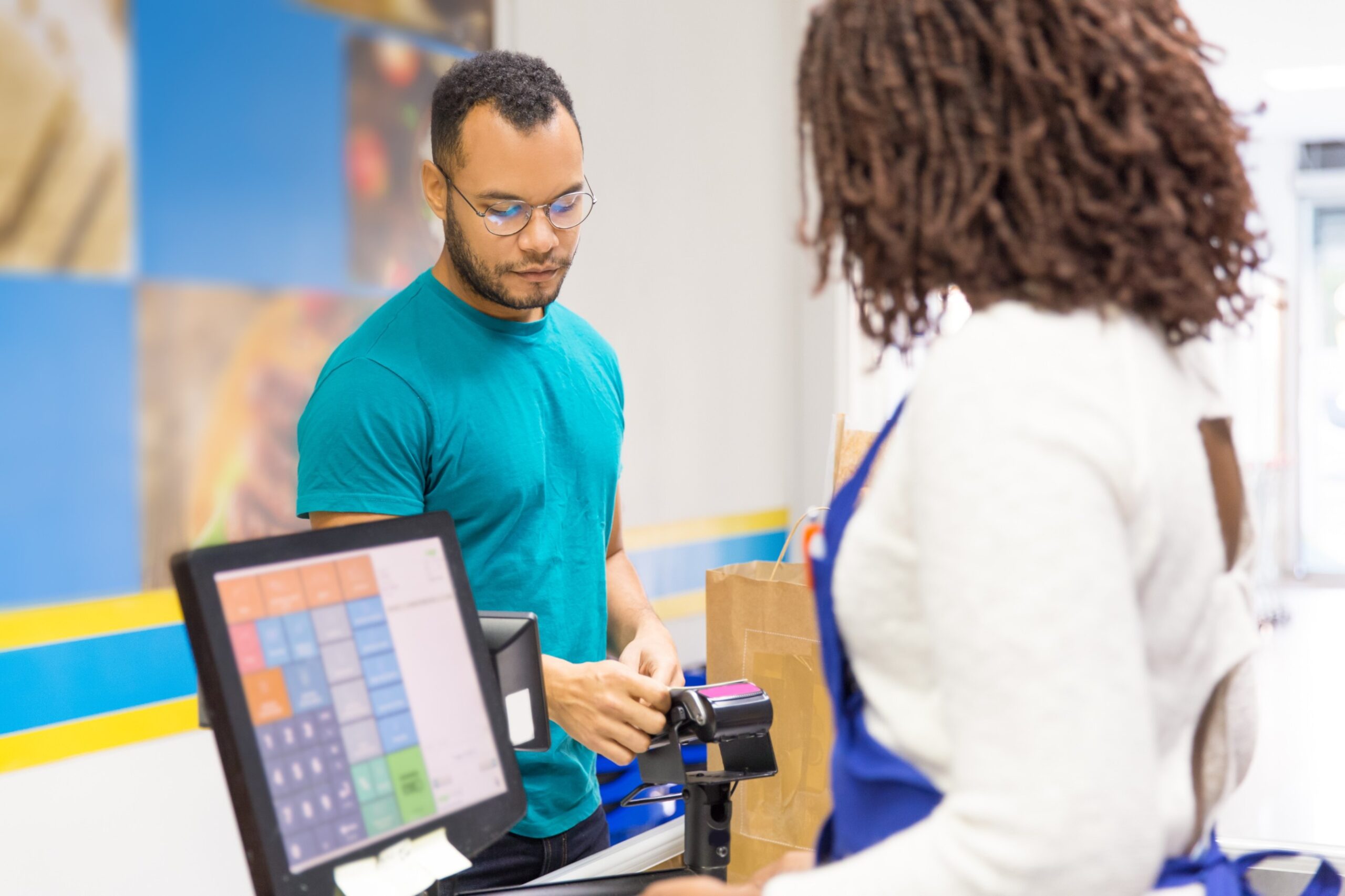
Choosing retail point of sale software can feel simple right up until you’re standing at the till on a Saturday afternoon, the queue is building, and a refund needs manager approval while your stock count is clearly wrong.
A modern POS is no longer “just a checkout”. It’s the system that connects payments, inventory, pricing, staff controls, promotions, receipts, and reporting across your store (and often your online channels too). Get it right, and your operation runs smoother. Get it wrong, and you end up with workarounds, spreadsheets, and daily friction.
In the UK, speed at checkout matters more than ever. Barclays reported 94.6% of eligible in-store card transactions were contactless in 2024, which tells you exactly what shoppers expect: fast, tap-and-go payments.
How to Choose Retail Point of Sale Software
Step 1: Start with your store reality (not a feature checklist)
Before comparing platforms, write down your “real life” requirements:
- What do you sell (SKUs, variants like size/colour, weighted items)?
- How many tills and staff logins?
- Returns and exchanges: simple or complex?
- Do you need barcodes, serial numbers, or age verification prompts?
- Any peak-time stress (lunch rush, weekends, seasonal spikes)?
This helps you avoid buying a POS that looks great in a demo but struggles in your busiest hour.
Step 2: Must-have retail POS features (the ones that actually save time)
1) Fast checkout with the payment options UK shoppers use
Your POS should support:
- contactless (tap)
- chip and PIN
- digital wallets (Apple Pay / Google Pay)
- refunds and partial refunds
- tips (if relevant) and digital receipts
UK Finance has also highlighted how mainstream mobile wallets have become (over half of UK adults using them), and contactless volumes remain huge, so payment flexibility is not optional anymore.
“A record 94.6% of all eligible in-store card transactions were contactless in 2024.”
2) Inventory that stays accurate (even when things get busy)
For retail, inventory is where POS systems either shine or quietly fail.
Look for:
- real-time stock counts
- variants (size/colour) handled properly
- low-stock alerts
- stock transfers (if you have more than one location)
- purchase orders and supplier tracking (if needed)
If inventory isn’t reliable, everything else becomes guesswork.
3) Pricing, discounts, and promotions without chaos
Good retail POS software should make it easy to run:
- multi-buy offers (2 for £X)
- time-based promos
- staff discounts (with permissions)
- coupon codes / gift cards (if you use them)
Also: you want an audit trail so you can see who applied what discount and when.
4) Returns and exchanges that protect margin
Returns are part of retail. Your POS should handle:
- receipt and non-receipt returns (with rules)
- exchanges without double-counting revenue
- refunds back to original payment method
- store credit / gift cards
A clunky returns flow slows the queue and increases mistakes.
5) Reporting you’ll actually use
You want answers you can act on:
- best sellers by day/week
- gross sales vs net sales (after refunds/discounts)
- category performance
- staff performance and voids
- hourly trends (so you staff properly)
If you can’t get these quickly, you end up running the business on gut feel.
Step 3: Cloud vs on-premise (what matters for most UK retailers)
Many retailers prefer cloud POS because it’s easier to scale and manage across locations, with remote access and central updates. Industry market research also points to UK POS software growth driven by mobile and cloud adoption.
Cloud POS is especially useful when you want:
- one dashboard for multiple stores
- faster rollouts and updates
- easier integrations (ecommerce, accounting, loyalty)
Step 4: Don’t ignore fees, compliance, and real operating cost
This is where UK retailers get caught out. It’s not just the monthly software price.
Ask about:
- payment processing fees and settlement timing
- hardware costs (tills, receipt printers, scanners)
- support costs and SLAs
- add-ons (inventory modules, loyalty, ecommerce integrations)
Also, if you process card payments, you need to care about security standards like PCI DSS (even if your provider handles most of it).
The British Retail Consortium has also highlighted how card payment costs can be significant for retailers, so visibility into total payment-related cost is important.
Step 5: Use this “Saturday test” before you decide
Picture your busiest hour and ask:
- Can a new staff member learn checkout quickly?
- Can you process a return in under a minute without manager drama?
- Will the barcode scanner, receipt printer, and card reader work smoothly together?
- If stock runs out, can you see it instantly and prevent overselling?
- If internet drops, what happens to sales flow and syncing?
If the system passes that test, it’ll feel easy the rest of the week.
Final thoughts: Where Blue Lotus X Cloud POS fits in
Blue Lotus X was built to modernise payments and point-of-sale systems with seamless, scalable, cloud-based solutions that help retailers operate with less friction and more control.
If you’re choosing retail POS software in the UK, the goal is simple: faster checkout, reliable stock, clean reporting, and payments that match how customers already prefer to pay (which, in the UK, is overwhelmingly contactless).
If you tell me your store type (convenience, fashion, pharmacy, electronics, specialty retail) and whether you’re single-site or multi-site, I can turn this into a tighter “buyer’s guide” that matches your exact setup, including a feature checklist and questions to ask vendors.
